
一、走进 DevOps
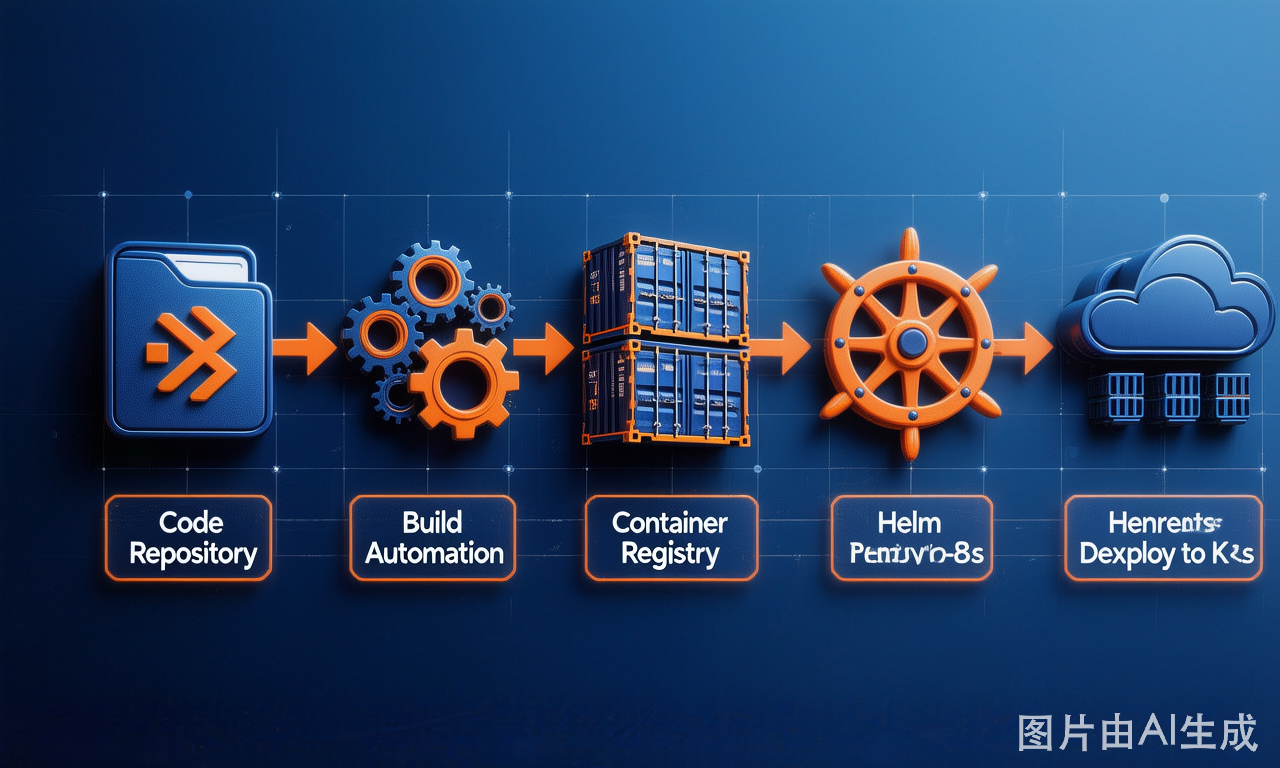
传统组织中的开发部门和运维部门是相互对立的,DevOps 诞生的初衷是通过 Dev(开发)和 Ops(运维)的紧密合作来提高商业价值的工作方式和文化。团队可以采用持续集成/持续部署等工具,来实现代码构建与应用部署的自动化,通过研发流程的快速反馈来持续改善软件研发效率与质量。
二、准备条件
三、获取 Chart
在 [ArtifactHub](https://artifacthub.io/packages/helm/stevehipwell/nexus3) 选择 Nexus3 的 Chart 版本,本文使用:
```bash
helm repo add stevehipwell https://stevehipwell.github.io/helm-charts/
helm repo update
helm search repo stevehipwell/nexus3 --versions
helm pull stevehipwell/nexus3 --version 4.42.1
```
四、配置 values.yaml
4.1 固定容器镜像版本号
```yaml
image:
repository: sonatype/nexus3
tag: "3.67.1"
```
💡 **原因**:防止应用自动升级带来的不兼容,保证业务稳定性。
4.2 使用 Ingress + TLS 暴露服务
```yaml
ingress:
enabled: true
annotations:
nginx.ingress.kubernetes.io/proxy-body-size: 1G
nginx.ingress.kubernetes.io/proxy-body-timeout: 300s
nginx.ingress.kubernetes.io/whitelist-source-range: "10.0.0.0/8,192.168.0.0/16"
ingressClassName: "clb"
hosts:
- repo.example.com
tls:
- hosts:
- repo.example.com
secretName: ssl-star-example-com
```
4.3 数据库持久化(使用腾讯云 CFS)
```yaml
persistence:
enabled: true
accessMode: ReadWriteOnce
storageClass: cfs
size: 100Gi
```
4.4 限制资源配额
```yaml
resources:
limits:
cpu: '2'
memory: 4Gi
requests:
cpu: '1'
memory: 2Gi
envVars:
jvmMinHeapSize: 2048m
jvmMaxHeapSize: 2048m
```
五、安装
```bash
helm -n ${NAMESPACE} install nexus3 nexus3-4.42.1.tgz -f values-nexus3.yaml
```
六、登录 Nexus3
通过 NodePort 访问:`http://${NodeIP}:30167`
获取默认 admin 密码:
```bash
kubectl -n kube-ops exec -it $(kubectl -n kube-ops get pod -l app=nexus3 -o name) -- cat /nexus-data/admin.password
```
首次登录后系统会要求修改默认密码,并可开启"匿名访问权限"。